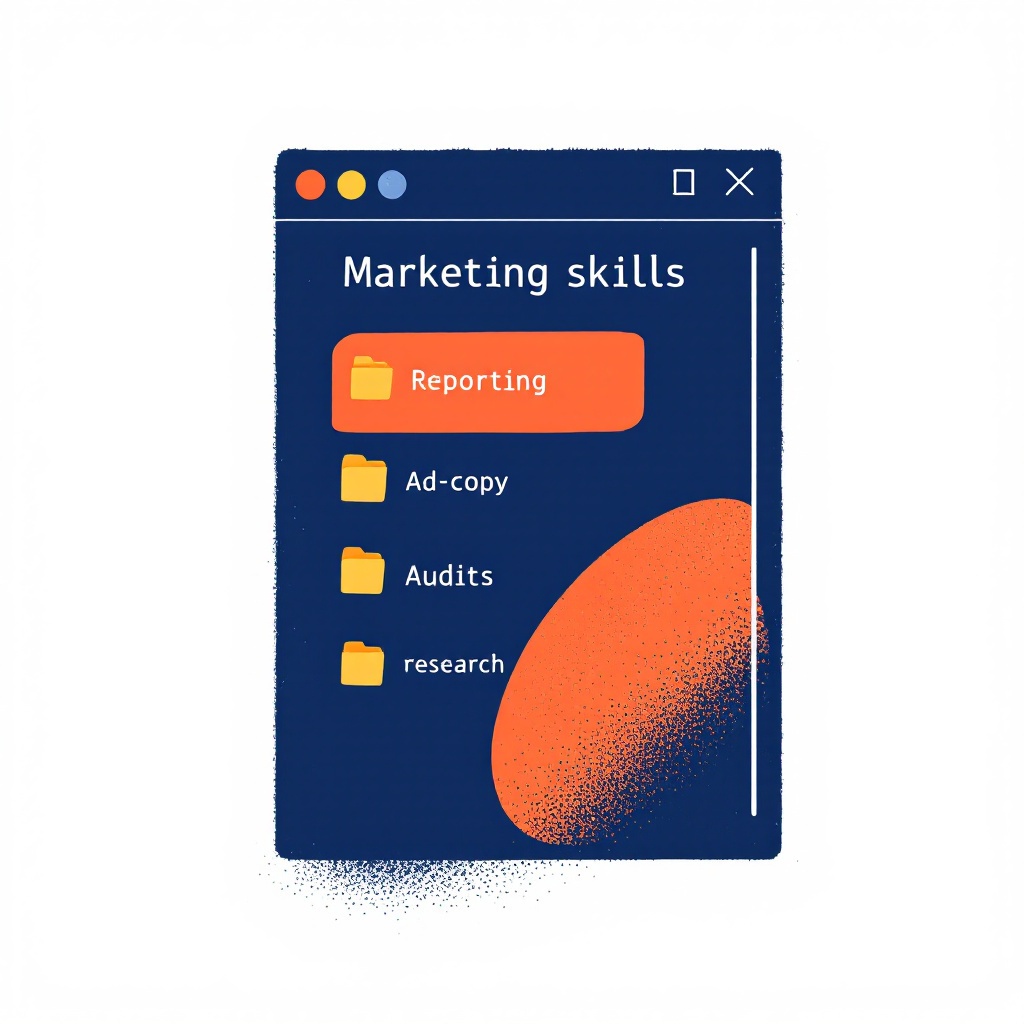
Most people install Claude Code, run a few one-off prompts through it, and stop there. The work that actually compounds is turning the prompts you repeat every week into marketing skills for Claude Code — small, reusable workflows that live on disk and fire when you ask for them by name.
I've built a stack of these to run paid media across a book of client accounts. This article covers which marketing skills are worth building first, what each one does, and a working starter skill you can drop into your machine today. No SDK, no framework. A skill is a folder with instructions in it.
What marketing skills for Claude Code actually are
A skill is a directory at ~/.claude/skills/<name>/ with one required file, SKILL.md. The frontmatter tells Claude when to fire it; the body tells Claude what to do once it does. If the instructions call a script, Claude runs the script. That's the whole model — Anthropic's docs cover the mechanics, and I walked through a full build in Setting Up Your First Claude Code Skill.
A marketing skill is just that pattern pointed at marketing work. Instead of re-explaining your reporting format every Monday, you describe it once in a SKILL.md and type "run the weekly report." Instead of pasting Meta's character limits into chat before every ad write, the limits live in the skill. The value isn't the AI being smarter — it's the workflow being saved.
The marketing skills worth building first
After a couple of years of this, the skills I reach for daily cluster into five categories. If you're starting a marketing stack from scratch, build them in roughly this order.
Reporting. The highest-return skill for anyone managing more than one account. A reporting skill pulls spend, revenue, and the blended numbers across Meta, Google, and Shopify, then formats them the same way every time. It turns an hour of dashboard-hopping into one command. I wrote about the multi-account version in Multi-Client Reporting With Claude Code.
Ad copy. A copy skill loads the brand voice, enforces platform character limits, and returns variants tagged by angle — problem-solution, benefit, social proof. The point isn't to replace the writing. It's to never ship a headline that's four characters over Meta's limit again.
Audits. An audit skill reads the current state of an account and flags what's wrong — ad sets with no creative, campaigns spending under the learning threshold, broken UTM tags. It's the same checklist you'd run by hand, except it runs in seconds and never skips a step. See A Claude Code Skill for Meta Ads Audits for a worked example.
Research. A research skill takes a product URL or a competitor handle and returns a structured brief — personas, angles, objections, proof points — instead of a wall of unstructured notes. It's the front end of every campaign you build.
Comms. The least glamorous, most time-saving category. A comms skill drafts the client update, the launch email, or the optimization recommendation in your voice, from a few bullet points. The work was never the writing. It was the blank page.
You don't need all five on day one. Build the reporting skill, use it for a month, and let the friction tell you which one to build next.
A working starter: an ad copy QA skill
Here's a real one you can install in two minutes. It checks a block of Meta ad copy against the platform's character limits and a banned-words list, so nothing ships over-length or off-brand. It's deliberately small — one input, one output — but it's functional as written.
Save this as ~/.claude/skills/ad-copy-qa/SKILL.md:
---
name: ad-copy-qa
description: QA a block of Meta ad copy against character limits and banned words. Trigger on "qa this ad copy", "check this ad copy", "ad copy qa".
---

# ad-copy-qa

You check Meta ad copy for length and brand-voice violations before it ships.

## Inputs

The user pastes ad copy with labeled lines — `Headline:`, `Primary:`,
`Description:`. If a label is missing, ask for it before running.

## What to do

1. Write the pasted copy to a temp file, one labeled line per row.
2. Run `python3 scripts/check_copy.py <tempfile>` to get the report.
3. Read the output. For any line marked FAIL, suggest a rewrite that
   fits the limit and keeps the meaning.
4. Keep the tone matter-of-fact. No exclamation points.

Return the pass/fail table first, then your rewrites underneath.
Then the helper script, ~/.claude/skills/ad-copy-qa/scripts/check_copy.py:
#!/usr/bin/env python3
"""Check Meta ad copy lines against character limits and banned words."""
import sys

LIMITS = {"headline": 40, "primary": 125, "description": 30}
BANNED = {"unlock", "supercharge", "game-changer", "revolutionary",
          "leverage", "10x", "seamlessly", "cutting-edge"}

def check(path):
    rows = []
    for line in open(path):
        line = line.strip()
        if not line or ":" not in line:
            continue
        label, text = [p.strip() for p in line.split(":", 1)]
        key = label.lower()
        limit = LIMITS.get(key)
        n = len(text)
        over = limit is not None and n > limit
        hits = sorted(w for w in BANNED if w in text.lower())
        status = "FAIL" if (over or hits) else "OK"
        note = []
        if over:
            note.append(f"{n}/{limit} chars")
        if hits:
            note.append("banned: " + ", ".join(hits))
        rows.append((status, label, n, "; ".join(note) or "-"))
    return rows

def main(path):
    rows = check(path)
    print(f"{'STATUS':<7}{'FIELD':<12}{'CHARS':<7}NOTES")
    print("-" * 50)
    for status, label, n, note in rows:
        print(f"{status:<7}{label:<12}{n:<7}{note}")
    fails = sum(1 for r in rows if r[0] == "FAIL")
    print("-" * 50)
    print(f"{len(rows)} lines, {fails} failing")

if __name__ == "__main__":
    main(sys.argv[1])
Both files are functional as written — no placeholders to fill in.
How to use it
Three steps, start to finish.
mkdir -p ~/.claude/skills/ad-copy-qa/scripts
# save SKILL.md and scripts/check_copy.py from above into that directory
Start Claude Code in any directory and paste copy with the trigger phrase:
qa this ad copy
Headline: Stay protected all day on the water with UPF 50 coverage
Primary: The Skyward Sun Hoodie keeps you cool and dry in any conditions.
Description: Shop the sun hoodie collection now
Claude matches the trigger, runs the script, and reads the report back with rewrites for anything that fails.
Example output
STATUS FIELD       CHARS  NOTES
--------------------------------------------------
FAIL   Headline    56     56/40 chars
OK     Primary     61     -
FAIL   Description 34     34/30 chars
--------------------------------------------------
3 lines, 2 failing

Suggested rewrites:
- Headline (40): "All-day UPF 50 sun protection on the water"
- Description (30): "Shop the sun hoodie collection"
That's a working marketing skill. It read your copy, caught the two over-length lines, and handed back fixes that fit. The next time you write Meta copy, you type the trigger and it just runs.
Where the starter falls short
This version does one useful thing well. A production copy skill does more:
- It loads each client's brand voice from a config file, so "off-brand" means their rules, not one global banned list.
- It generates copy from a product brief, not just QAs copy you already wrote.
- It tags every variant by angle and awareness stage so you're testing real differences, not synonyms.
- It checks against the actual creative the copy will run on, not just the text in isolation.
Those gaps are the difference between a handy checker and a skill you build campaigns on.
The production version
The full copy skill — voice configs, brief-to-copy generation, angle tagging, and the audit, reporting, research, and comms skills alongside it — is the stack I teach in The Operator ($397). It's the Claude Code course plus the production marketing skills you keep and run every week after.
Bonus: wiring an API
The starter checks copy you paste in. Connect the Meta Marketing API and the same skill can read the live creative running on an account, QA it in place, and flag the over-length headlines that are already spending. That's the jump from a desk tool to something that watches the account for you.
Start with the reporting skill or this copy checker — whichever workflow you're tired of doing by hand. Once the first one clicks, the rest are the same folder-and-a-file pattern. Or hire Clare Digital to build the stack into your accounts directly.